Shoot it right.
No editing needed.
Built by photographers, for photographers. Mirocam processes directly from your smartphone's RAW sensor outward — giving you authentic film simulations, organic grain, and halation in real time.
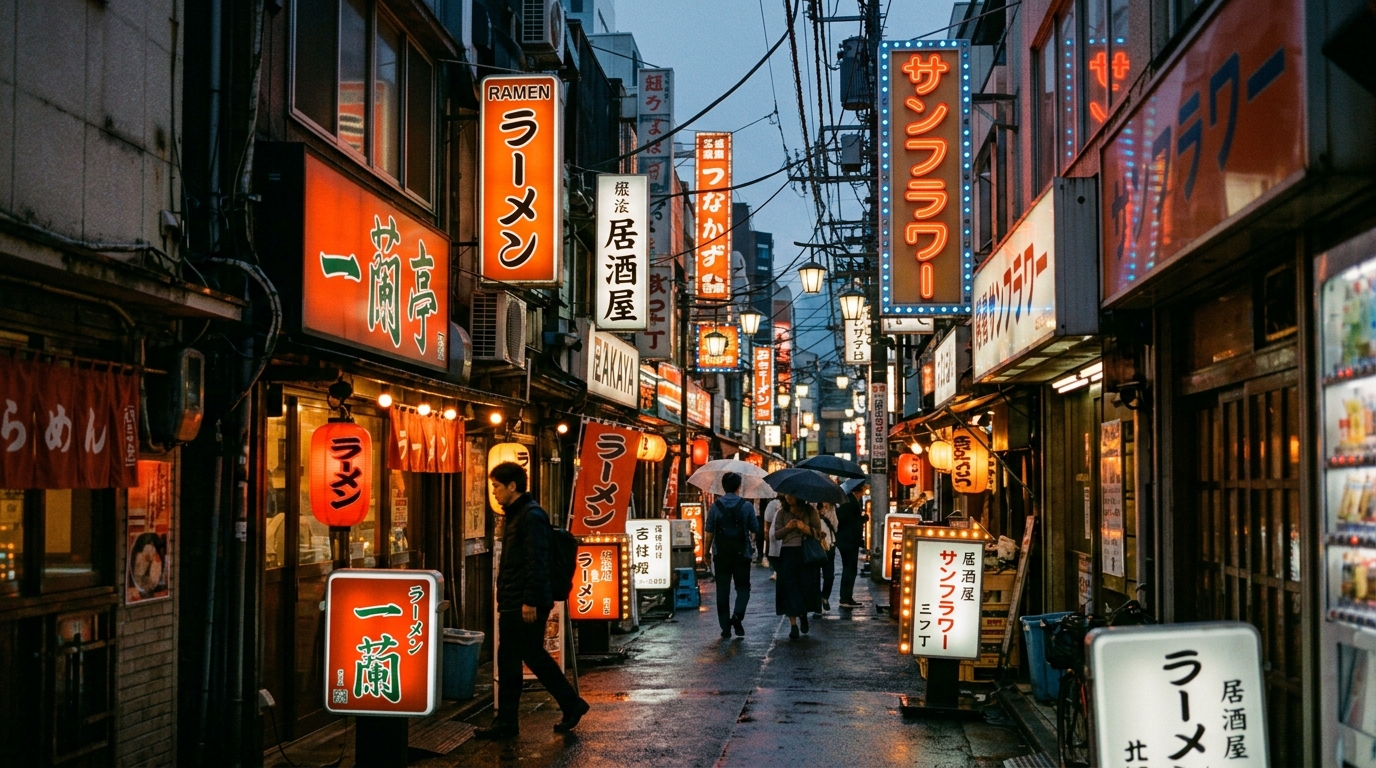
The Science Behind The Shot
Unlike ordinary camera apps that merely slap an Instagram filter over compressed JPEGs, Mirocam reconstructs color chemistry right from the sensor's raw mosaic.
Native NDK RAW Pipeline with LibRaw
On RAW-capable devices, Mirocam intercepts uncompressed Bayer sensor data via Camera2 API. Our custom C++ NDK engine performs demosaicing, tone-mapping curve interpolation, and precision 3D LUT transformations at 33³ or 64³ resolution before encoding to ultra-clean 10-bit JPEG or HEIC.
Real-time 60fps WYSIWYG Viewfinder
Hardware-accelerated OpenGL ES fragment shaders calculate film tone curves directly in the live preview. What you see is precisely what the camera captures.
Halation & Bloom Physics
Light bounces off film base layers in real analog stock. Mirocam algorithmically simulates authentic red/orange light scatter around overexposed highlights and soft bloom roll-off.
Dynamic Film Grain
No repeating static overlays. Mirocam computes animated, luminance-dependent film grain in real-time, preserving shadow detail while delivering tactile grain texture.
Full Pro Manual Exposure
Total manual authority over your exposure triangle. Direct Kelvin white balance tuning, ISO up to 6400, shutter down to 1/8000s, and manual focus peaking.
Iconic Film Recipes
Crafted by calibrating color response against legendary film stocks. Import your own .cube 3D LUTs or create custom recipes in seconds.
Warm Natural & Gentle Skin
Beloved by portraitists worldwide. Soft contrast, warm pastel skin tones, and generous highlight latitude.
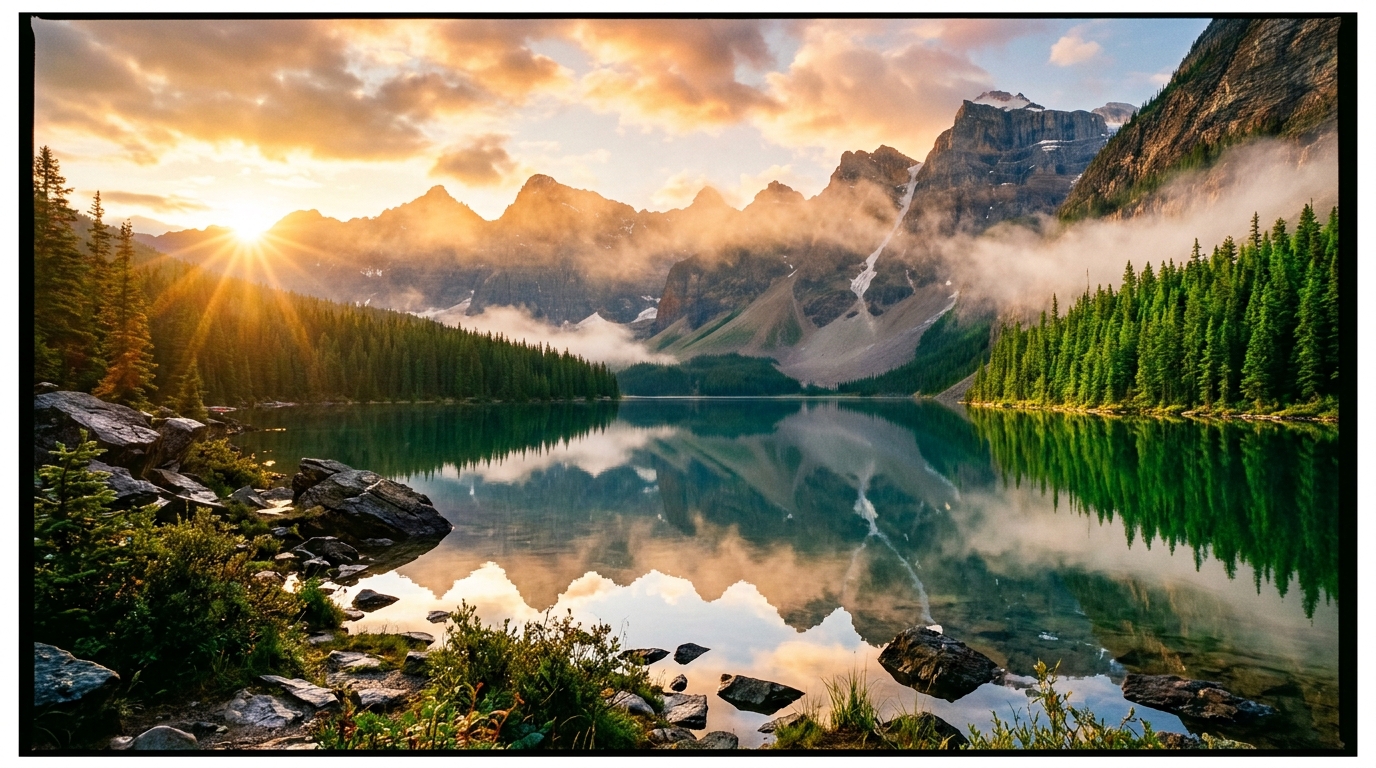
Vivid High-Impact Landscape
The standard of nature slide film. Deep saturated emerald greens, rich skies, and razor-sharp contrast.
Cinematic Night & Tungsten Glow
Remjet-stripped movie stock look with prominent neon halation, cool shadows, and warm street lights.
Documentary & Muted Urban Tones
Subtle color saturation combined with punchy mid-tone contrast for realistic storytelling.
Hardware Capability Tiers
Mirocam checks Camera2 hardware characteristics at launch to grant the optimal pipeline for your phone.
| Feature / Capability | Tier 2: RAW Mode (Recommended) | Tier 1: Enhanced JPEG Mode |
|---|---|---|
| Supported Hardware | Pixel 3+, Galaxy S/A Series, Xiaomi, OnePlus with RAW_SENSOR | Any Android Device running Android 5.0+ (API 21+) |
| Color Pipeline | 16-bit DNG → LibRaw C++ ISP → 3D LUT | CameraX JPEG → GPU Fragment Shader LUT |
| Dynamic Range | 14+ Stops (Max Sensor Potential) | Optimized 8-bit DR |
| Halation & Grain | Luminance-aware floating point physics | GPU fragment shader post-processing |
| Save RAW DNG File | ✓ Yes (Keep DNG for Lightroom) | ✗ (Final color-graded image only) |
Frequently Asked Questions
RAW_SENSOR capability under Android's Camera2 API. When you launch Mirocam, it automatically audits your hardware and unlocks the appropriate mode without any configuration needed.android.permission.INTERNET is not even declared in the manifest). All photo processing, decoding, tone mapping, and storage occur entirely offline on your device.Experience Pure Analog Soul.
Download Mirocam today and discover why professional photographers are leaving their heavy gear at home.